Lead Generation Pipeline: Campaign and Scraper Modes with Professional CRM Integration
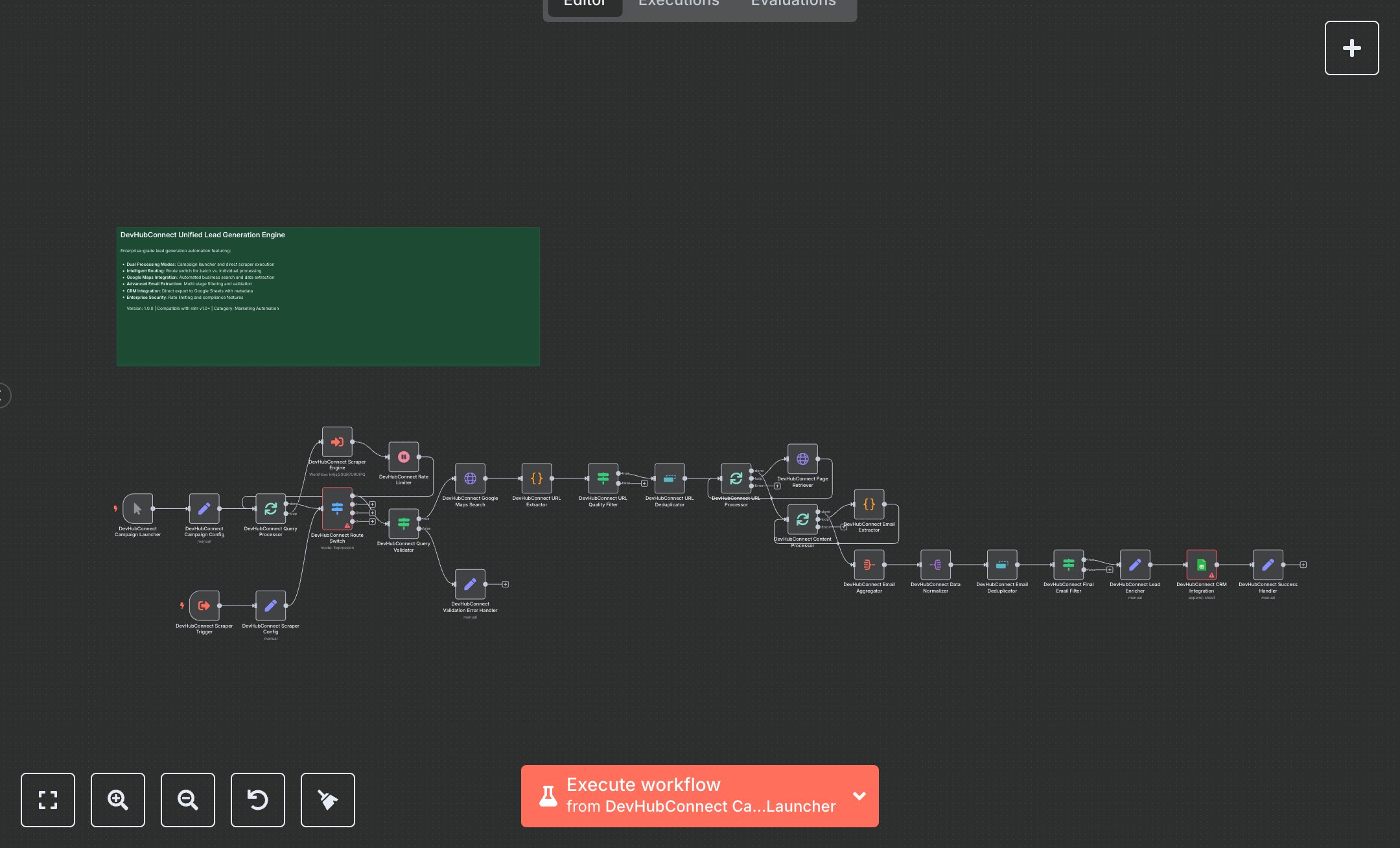
This workflow automates lead generation by scraping business data from Google Maps and extracting emails, storing results in Google Sheets. Key nodes include Manual Trigger for campaign initiation, HTTP Request for Google Maps search, Code for URL and email extraction, Condition for validation, and Google Sheets for CRM integration. To set up, install n8n from n8n.io for self1462-hosting or sign up at cloud.n8n.io for cloud hosting. Obtain Google Sheets OAuth2 credentials at console.cloud.google.com for the Google Sheets node. Import the workflow JSON into n8n. Add Google Sheets credentials to the Google Sheets node, ensuring the document ID matches your target spreadsheet and the sheet name is “Leads”. Verify the HTTP Request node’s URL uses the query format (e.g., “https://www.google.com/maps/search/{{ encodeURIComponent($json.query) }}”). Check the Code nodes for URL and email extraction logic, ensuring regex patterns exclude invalid domains. Configure the Condition node to validate queries and emails, filtering out low-quality results. No API key is needed for Google Maps scraping, but ensure network access for HTTP requests. Update the Manual Trigger’s pinned data with relevant queries (e.g., “real estate agents salt lake city utah”). Test by running the Manual Trigger with a sample query. Verify the Google Sheets node appends lead data (email, source, campaign ID, date, quality score). Check the Success Handler node outputs a JSON with success: true, lead count, and processing mode. Handle errors like invalid queries (Validation Error Handler triggers with “Query cannot be empty”), HTTP timeouts (HTTP Request fails), or missing Google Sheets credentials (HTTP 401). Regenerate credentials if needed. Deploy by activating the workflow in n8n. Monitor logs for rate limit issues or scraping failures. Validate the output in Google Sheets for unique, high-quality emails with correct metadata, ensuring no duplicates and proper campaign tracking.
$6.99
Workflow steps: 26
Integrated apps: stickyNote, manualTrigger, set