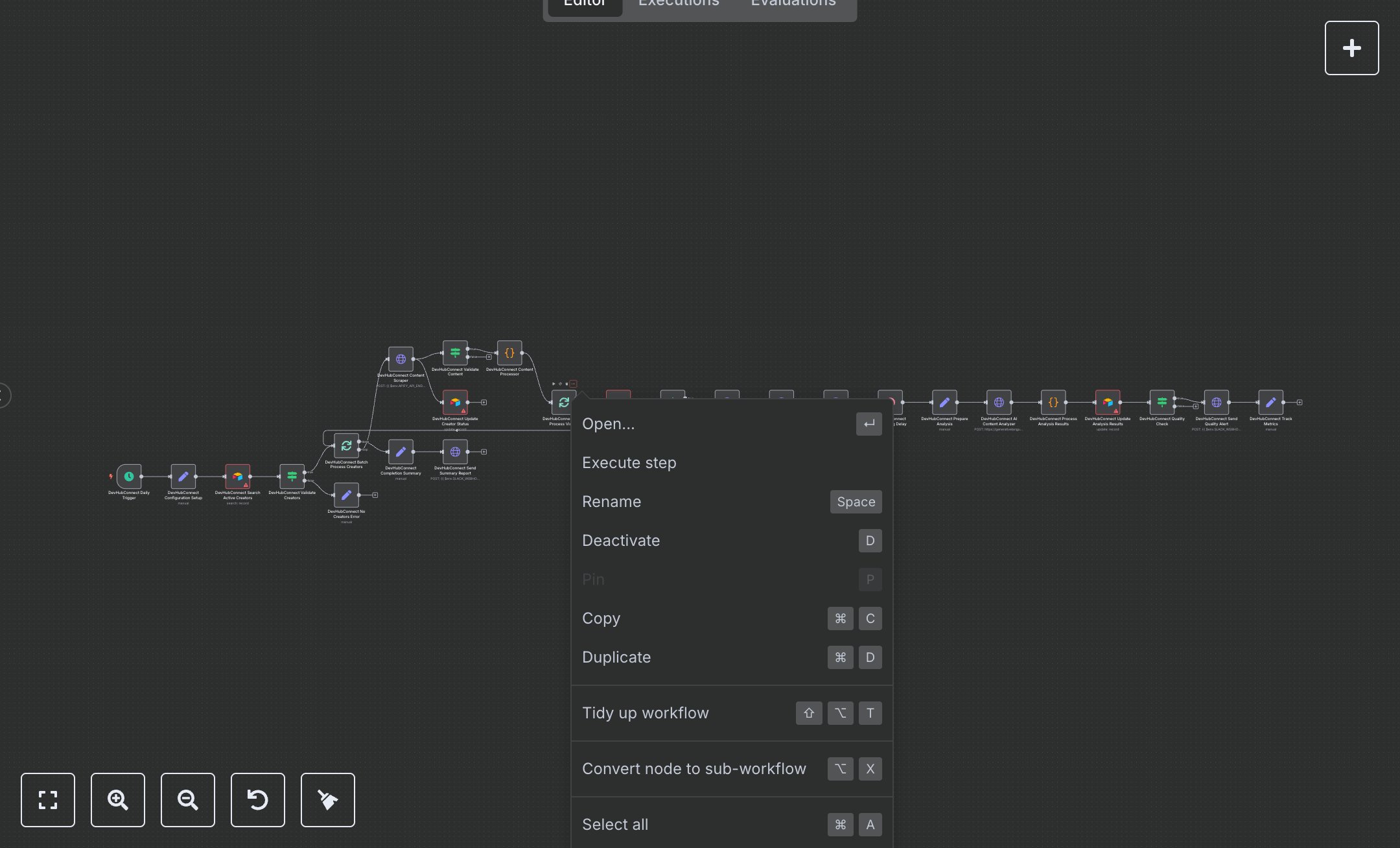
Viral TikTok Content Analysis with Apify, Google Gemini, and Airtable
This workflow automates viral TikTok content analysis using Apify, Google Gemini, and Airtable. Key nodes include Schedule Trigger (runs daily), Set (configures parameters), Airtable (manages creator/video data), HTTP Request (scrapes TikTok via Apify, analyzes via Gemini), Code (processes viral metrics), Split In Batches (handles data batches), Condition (validates content/scores), and Wait (delays processing). It stores results in Airtable and sends Slack notifications. Install n8n from n8n.io for self-hosting or sign up at cloud.n8n.io. Obtain an Airtable API token from airtable.com/account and set it in Airtable nodes. Get an Apify API token from apify.com and configure it in HTTP Request nodes. Acquire a Google Gemini API key from ai.google.dev and set it for video analysis. Set up a Slack webhook URL via slack.com for notifications. Configure environment variables: AIRTABLE_BASE_ID, CREATORS_TABLE_ID, VIDEOS_TABLE_ID, APIFY_TOKEN, GEMINI_API_KEY, SLACK_WEBHOOK_URL, and AIRTABLE_VIEW_URL. Ensure Airtable nodes reference correct base and table IDs. Test by manually triggering the workflow in n8n. Verify Condition nodes catch empty creator lists (returns 'No creators found') or invalid video data (skips processing). Check Airtable for stored video data with viral scores and Gemini analysis. Missing API tokens cause HTTP Request failures; invalid table IDs return Airtable errors. Deploy by activating the workflow and setting the Schedule Trigger to run daily at 6 AM. Validate outputs in Airtable for accurate video metrics (views, engagement rate) and analysis (content summary, viral elements). Confirm Slack notifications for high-viral content (score ≥ 75) include creator, views, and Airtable links.
$6.99
Workflow steps: 26
Integrated apps: scheduleTrigger, set, airtable