LLM Automated YouTube Shorts Uploads with OpenAI, ElevenLabs, Runway ML, and Creatomate
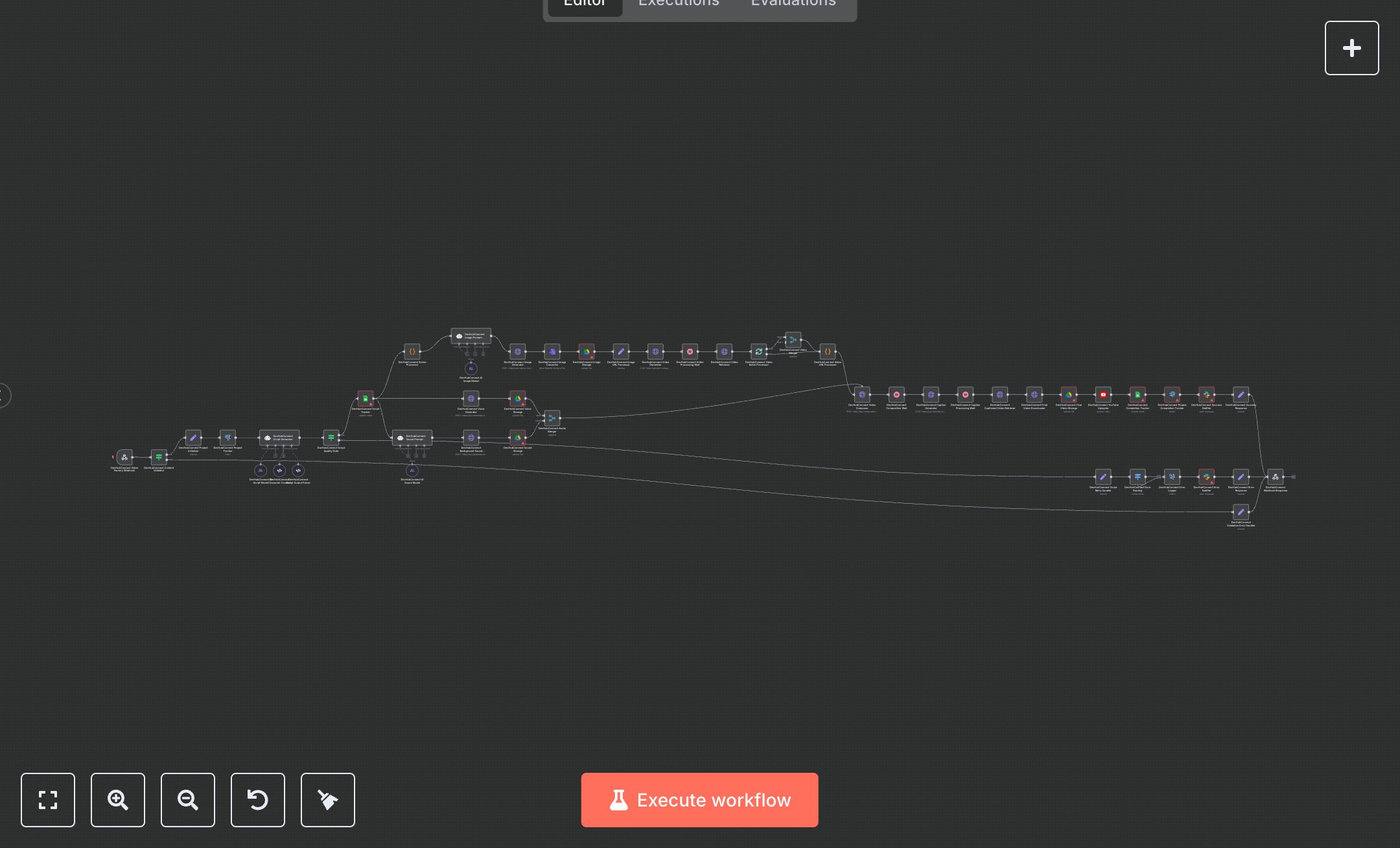
This workflow automates YouTube Shorts creation, using Webhook Trigger (initiates process), Condition (validates inputs), Postgres (tracks projects), AI models (script/image generation), HTTP Request (image/video/audio via OpenAI, Runway ML, ElevenLabs, Creatomate, Replicate), Google Drive (stores assets), YouTube (uploads video), and Slack (notifies results). It produces 20-second videos with captions, optimized for engagement. Install n8n from n8n.io for self-hosting or sign up at cloud.n8n.io. Obtain API keys from openai.com (OpenAI node, 'gpt-4.1-mini'), runwayml.com (HTTP Request for video), elevenlabs.io (HTTP Request for audio), creatomate.com (HTTP Request for video composition), replicate.com (HTTP Request for captions), console.developers.google.com (Google Drive, YouTube OAuth2), and slack.com (Slack webhook). Set up a Postgres database with 'video_projects' and 'video_error_logs' tables using your provider’s credentials. Configure Webhook Trigger with secure header authentication and allowed origins (sheets.googleapis.com, docs.google.com). Define Google Drive folder IDs and YouTube privacy settings in variables. Test by sending a sample webhook request with a title (minimum 5 characters). Verify script output in AI model nodes (213-223 characters), image/video/audio generation in HTTP Request nodes, and YouTube upload. Check Postgres logs and Slack notifications. Invalid inputs (e.g., short titles) trigger Condition node errors, logged in Postgres and Slack. Missing API keys cause HTTP Request failures, logged with timestamps. Deploy by activating the workflow and setting credentials. Monitor Slack for completion alerts and error notifications. If video generation fails, HTTP Request nodes timeout (30-180 seconds), logging errors for debugging.
$6.99
Workflow steps: 49
Integrated apps: webhook, if, set